Construction & plant monitoring
Plant Tracking System and Construction Equipment Telematics
What is construction equipment telematics? Construction equipment telematics uses a device fitted to plant — excavators, dumpers, telehandlers, generators, towers and pumps — to report location, running hours, machine data, faults and alerts over a mobile network, so owners and hire desks can manage equipment without visiting every site.
TrackSyte® gives construction companies and plant hire businesses one portal for location, status, alerts and telemetry across mixed plant, hired equipment and remote assets — with CAN bus machine data via Neo 2 where the equipment provides it.
Built for fleets with equipment from different manufacturers and generations. Neo 2 has a full-constellation GPS/GNSS receiver fitted as standard, supporting tracking and GPS-related functions alongside machine data and alerts in the TrackSyte Portal.
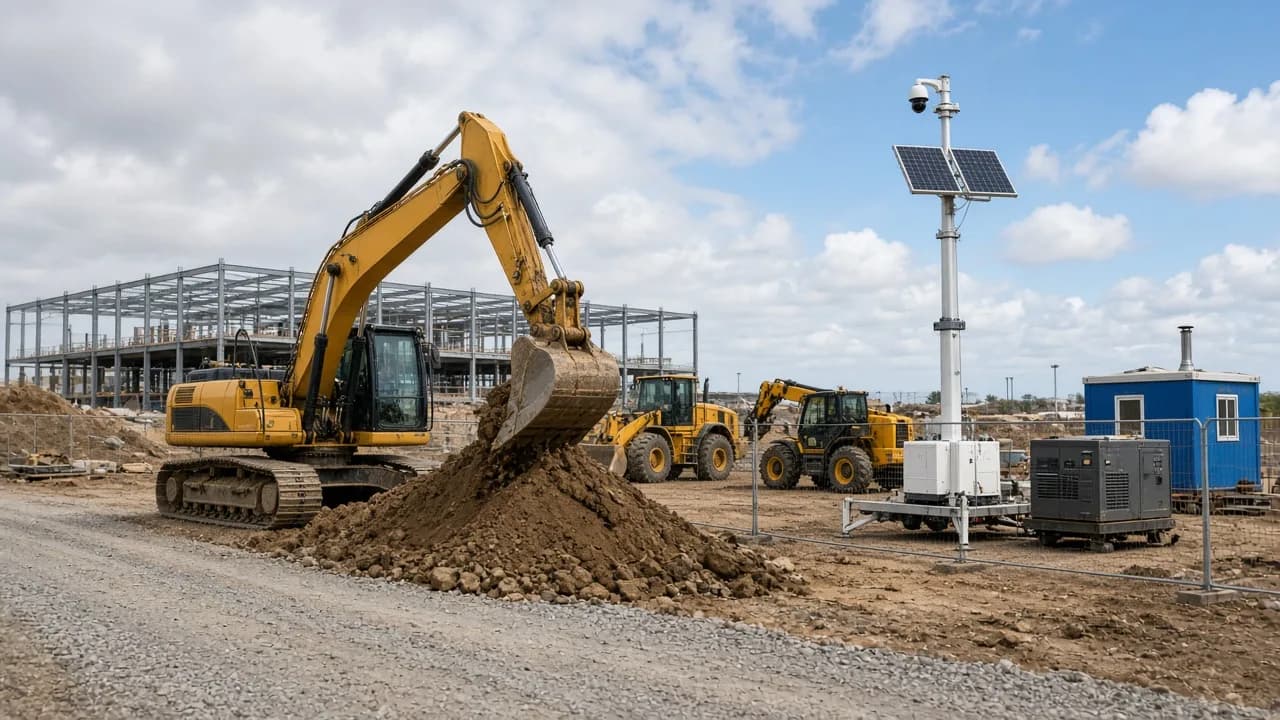
One view across mixed construction fleets
Construction fleets rarely sit on one manufacturer's platform. Operators mix excavators, dumpers, telehandlers, generators, towers, pumps and specialist plant — often across different brands, hire periods and site conditions.
TrackSyte® provides a common monitoring and telemetry layer for the assets you connect. It does not replace every manufacturer's telematics system; it lets you bring supported equipment into one operational view when you need visibility across the whole fleet.
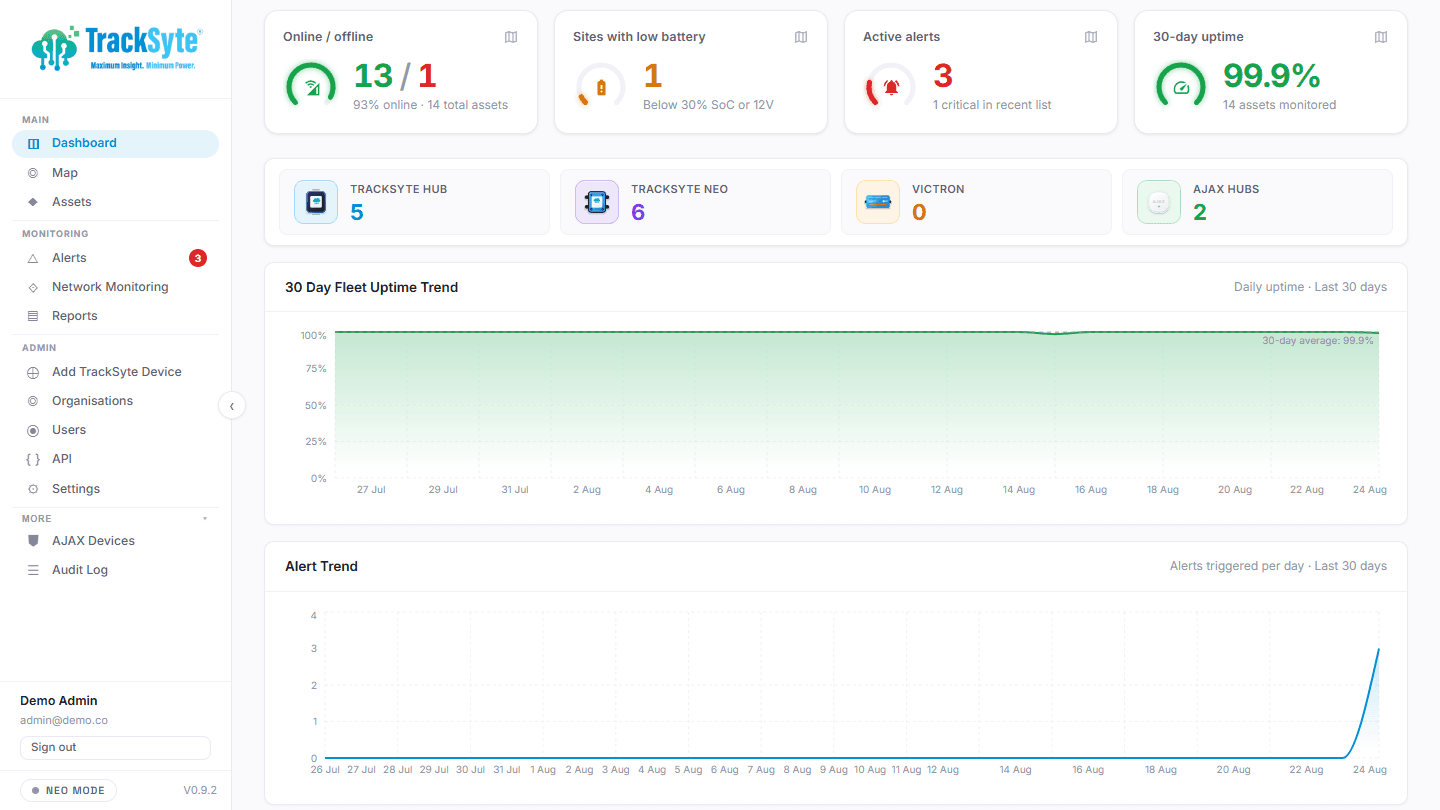
Different connected equipment → one operational TrackSyte® view.
How construction equipment telematics works
A telematics device is fitted to each machine and wired to its power and, where available, its CAN bus. It reads what the machine already knows, adds its own GNSS position, and sends the data over the mobile network to a portal. The office sees every machine on a map with its hours, status and alerts, and the data can be passed on to hire, maintenance or finance systems.
- 1
Fit
Neo 2 is wired to the machine's 12V or 24V supply (9–30 V DC) and to its CAN bus where the machine exposes one.
- 2
Read
It reads standard J1939 messages such as engine hours, engine speed, temperatures, fuel level and fault codes, plus GNSS location.
- 3
Send
Data goes over LTE, LTE-M or NB-IoT cellular to the TrackSyte Portal.
- 4
Act
Alerts go out by email, webhook or Slack, and MQTT or the API pass data to your own systems.
| Data | Source on the machine | What it is used for |
|---|---|---|
| Location and movement | GNSS receiver in Neo 2 | Find machines, off-hire checks, out-of-hours movement |
| Engine hours | CAN bus (J1939), or vibration on older plant | Service scheduling, hire billing, utilisation |
| Engine speed and temperatures | CAN bus (J1939) | How hard machines are working, overheating |
| Fuel level | CAN bus (J1939) where broadcast | Refuel planning, fuel loss |
| Fault codes | CAN bus (J1939) | Decide whether a fault needs a visit |
| Battery voltage | Machine supply and Neo 2 | Flat batteries and disconnection |
Location, status and telemetry in one portal
In the TrackSyte® Portal, operators can see GNSS location from the receiver fitted as standard on Neo 2, live status, power-related telemetry where connected, alerts and historical data.
GNSS / GPS location
Full-constellation GPS/GNSS fitted as standard on Neo 2, supporting tracking and GPS-related functions on connected assets.
Alerts
Operational alerts in the portal when connected signals indicate something needs attention.
Power / status
Live status and power-related telemetry where assets are connected into TrackSyte.
Historical telemetry
Look back at past readings and alerts for each connected asset.
What you see for each machine depends on how it is connected — via Hub, Neo, Neo 2, a supported integration or our API. Engine data is available where the machine provides it over CAN bus and Neo 2 is fitted.
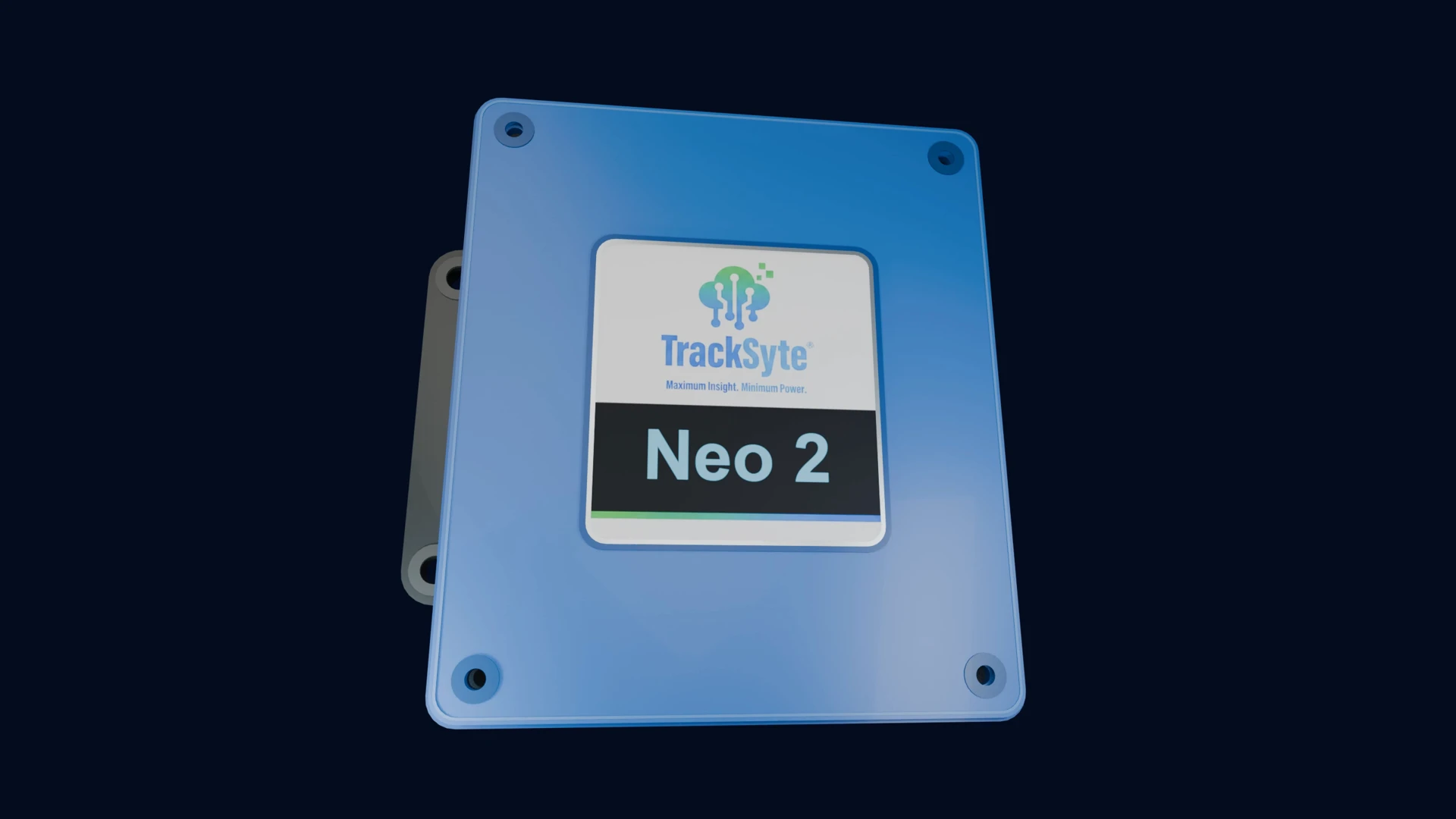
NEO 2 field connectivity
Connect more plant with Neo 2 — including CAN bus
For equipment that needs deeper connectivity, Neo 2 adds CAN bus (for machines that expose it), Modbus, GPIO and RS485, with cellular LTE, LTE-M and NB-IoT, Ethernet, a 9–30 V DC supply, Bluetooth and full-constellation GPS/GNSS fitted as standard.
Neo 2 does everything the original Neo does, and adds Ethernet, RS485, CAN bus and a 9–30 V DC supply. RS485 is on Neo 2 as well as Hub. Neo 2 also works with Victron equipment, smart and lithium batteries with a BMS, and Smart Shunt where that kit is on site.
These interfaces are fitted on Neo 2. Hub and the original Neo have different interface sets — see Hardware & integrations to compare them. GNSS is fitted as standard and supports tracking and GPS-related functions.
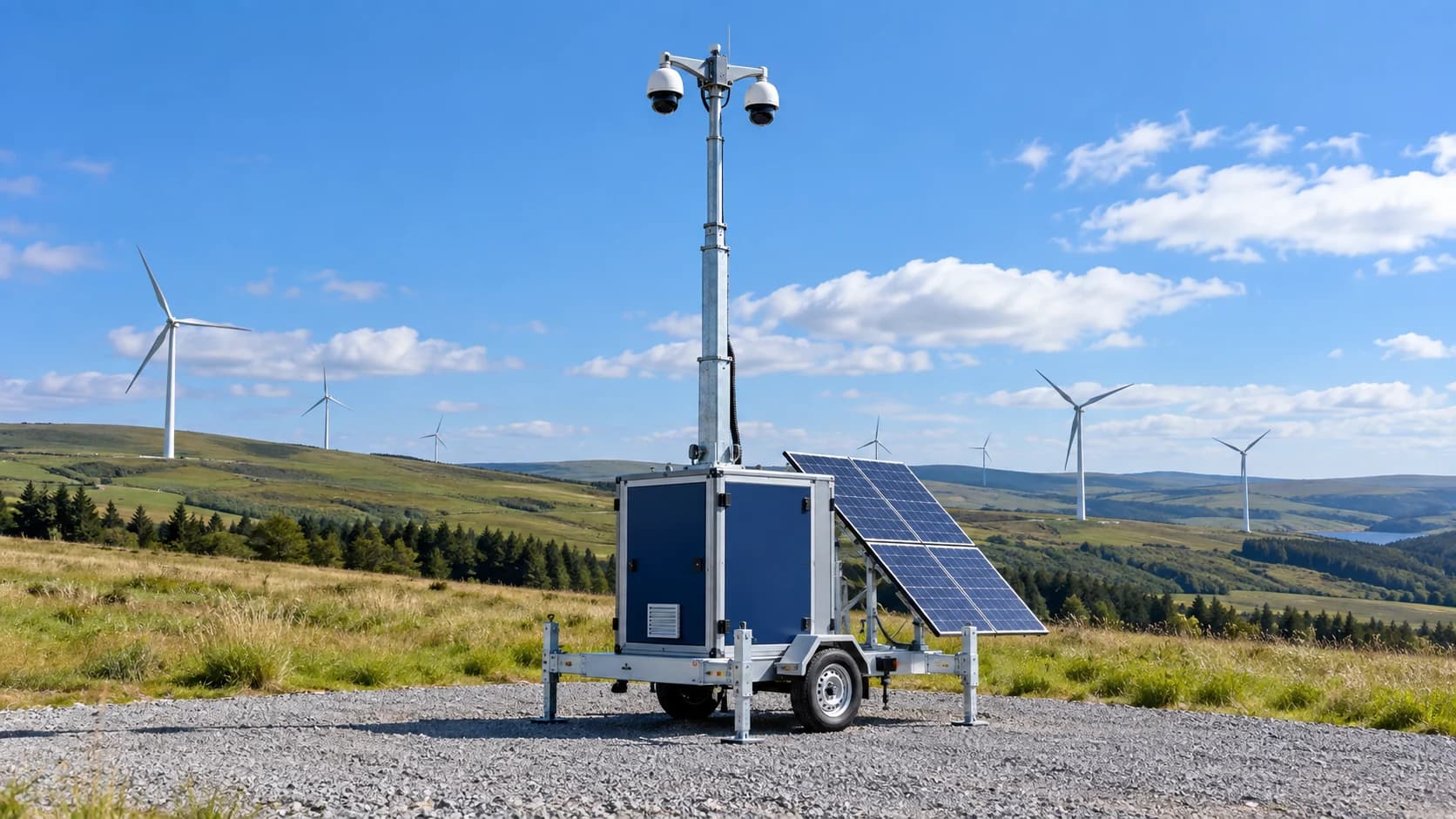
CCTV / towers
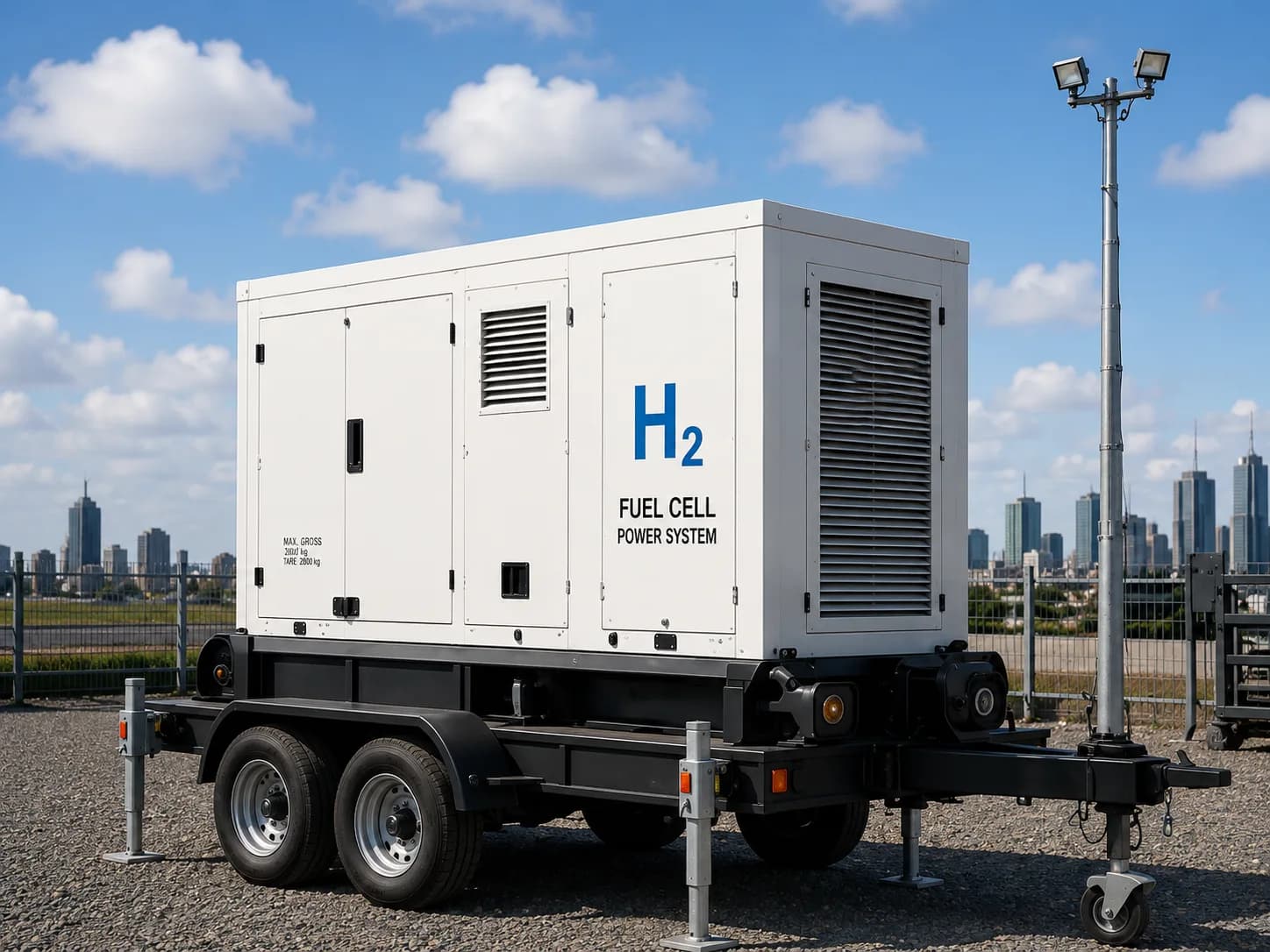
Generators / power
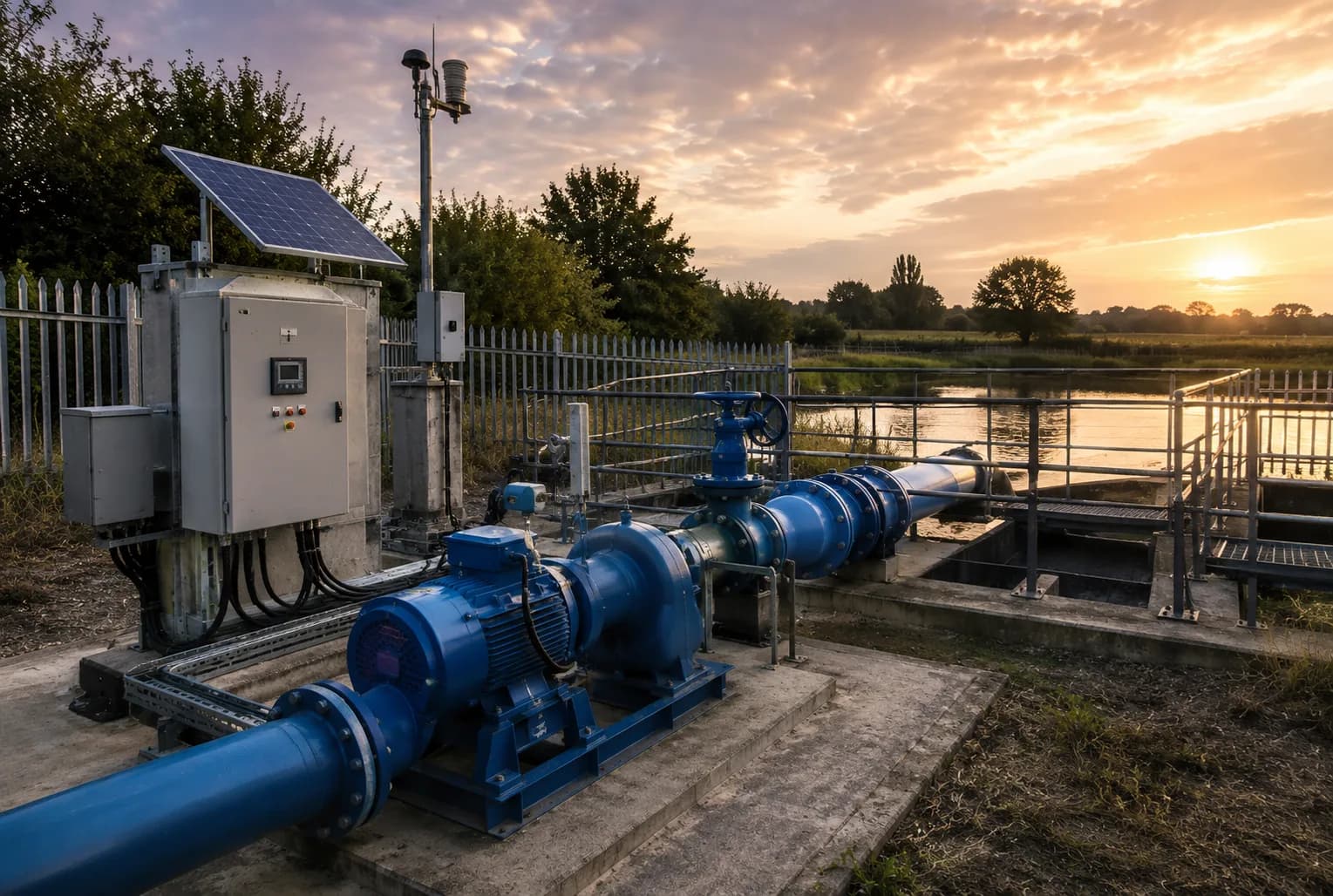
Pumps
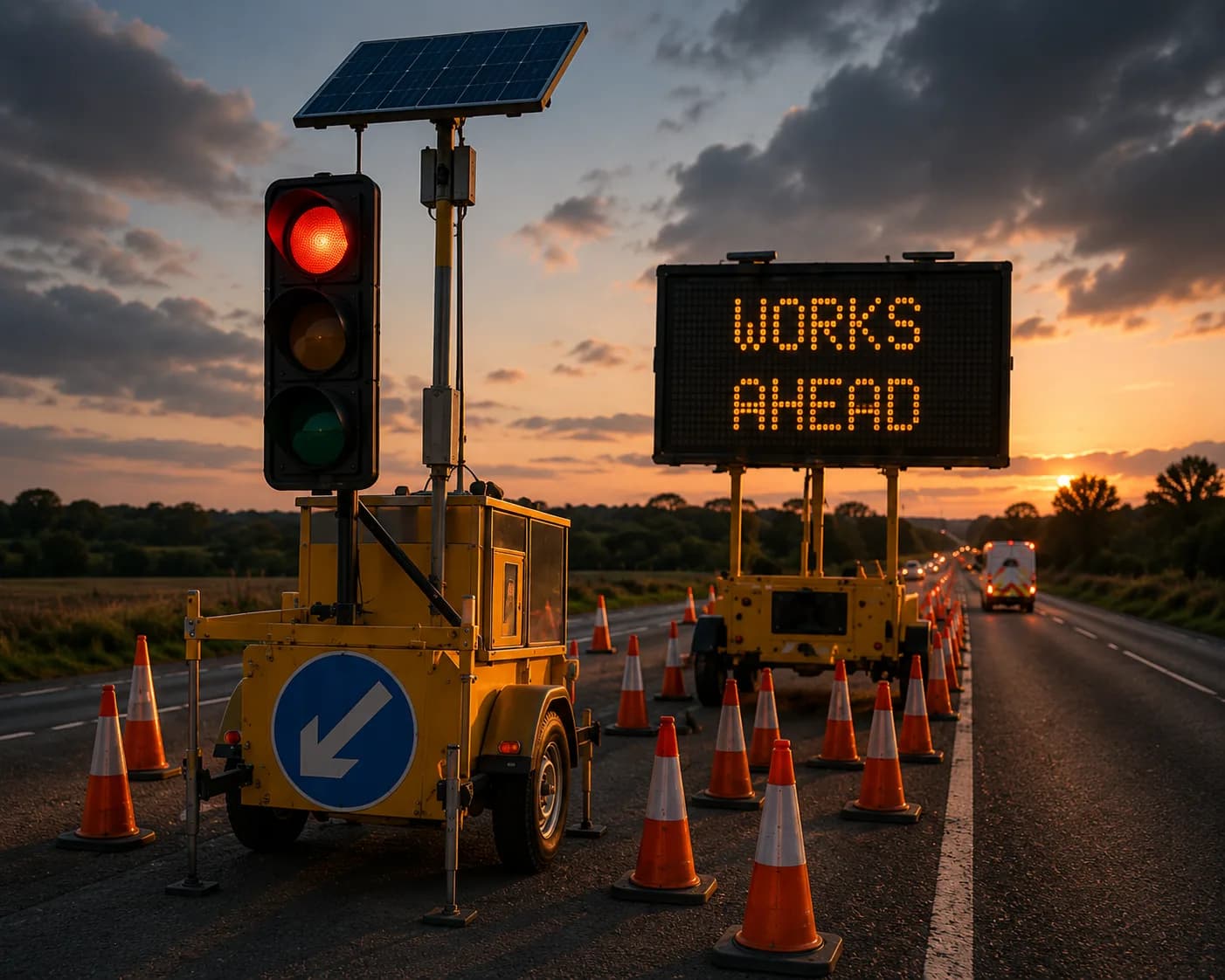
Traffic / plant
Built for assets beyond a single manufacturer
Many construction businesses need visibility across different equipment brands, older machines, hired plant, specialist kit and remote or off-grid deployments — including the towers and perimeter systems that sit alongside plant on the same jobs.
TrackSyte® complements manufacturer portals where they already exist, and fills the gaps for mixed fleets that do not share one telematics system.
Construction fleet monitoring →Trackunit alternative →CCTV tower monitoring →PID / perimeter monitoring →CAN bus capability →Neo 2 hardware →
Equipment telematics for plant hire fleets
For plant hire companies, telematics is about more than finding a machine. The hire desk needs to know what is on hire and where, whether it is being used, when it is due a service, and whether it has come back with a fault — across machines from several manufacturers and ages.
TrackSyte records location from full-constellation GNSS for every connected unit, reads engine hours and fault codes over CAN bus — including standard J1939 messages — where the machine provides them, and shows the rest of the hire fleet — towers, generators, pumps and welfare — in the same portal. That supports off-hire checks, service scheduling on real hours and fewer trips to find or check equipment.
The same approach applies to heavy equipment telematics for contractors and rental fleets outside the UK: one view of heavy equipment, site power and security assets on every job site, whichever manufacturer built them.
Many yards start with a simple digger tracker or plant tracker for theft recovery. Neo 2 covers that — GNSS location, with a lithium backup battery that keeps reporting if the machine's battery is disconnected — and turns it into full plant telematics on the same unit.
- Location and status for every unit on hire
- Engine hours and fault codes over CAN bus where supported
- Service planning on actual running hours
- Non-plant hire assets in the same view
- Running hours from vibration on older plant with no ignition signal
Manufacturer portals vs one mixed-fleet view
Most major plant manufacturers offer their own telematics portal — JCB LiveLink and Cat's platform are familiar examples. They work well for a single brand. The problem for most UK fleets is that plant comes from several manufacturers and generations, and each portal only shows its own machines.
That leaves hire desks and plant managers logging in to several systems, exporting spreadsheets, and still having no view of the towers, generators, pumps and welfare units on the same site. Older and non-telematics machines are simply invisible.
TrackSyte® is designed as the layer across the top: plant connected through Neo 2 (location from the GNSS receiver fitted as standard, and CAN bus machine data where the machine exposes it) sits in one portal with your site power, security towers and pumps. Manufacturer portals can keep running alongside it.
| Manufacturer portals only | TrackSyte mixed-fleet view | |
|---|---|---|
| Brands covered | One manufacturer per portal | Mixed brands and generations in one portal |
| Older and non-telematics plant | Usually not visible | Visible when fitted with Neo 2 |
| Towers, generators, pumps, welfare | Not included | Included alongside plant |
| Power and battery data | Machine-specific | Victron, BMS, Smart Shunt and EFOY where fitted |
| Alerts | Per portal | One set of rules, sent by email, webhook or Slack |
| Data access | Varies by manufacturer | MQTT streaming and API |
| Logins for the team | One per manufacturer | One |
Mixed fleets, manufacturer data and ISO 15143-3
Fleets with machines from several manufacturers usually face a choice: log in to each manufacturer's portal, or fit one independent device across the fleet. ISO 15143-3 — often called the AEMP telematics standard — was written to help, by defining a common format in which manufacturers share basic machine data such as location, hours and fuel used through an online feed.
In practice, ISO 15143-3 feeds cover newer machines from the larger manufacturers, the data is limited to a core set of fields, and older or smaller machines are not included. That is why most mixed fleets end up combining approaches: manufacturer data where it exists, and an independent device where it does not.
TrackSyte takes the independent route. Neo 2 fitted to the machine gives the same location, hours and status for every brand and age, and towers, generators, pumps and welfare units on the same site report into the same portal. Talk to us if you also want manufacturer feeds alongside it.
Fuel, utilisation and emissions reporting
Clients and main contractors increasingly ask plant owners for fuel use and carbon figures per project. Those figures start with the same data telematics already collects: engine hours, engine speed and fuel level from the machine, and location to tie each machine to a site.
With Neo 2 reading J1939 data on machines that broadcast it, that information sits in the TrackSyte Portal alongside the site's generators and hybrid power units, and can be exported over the API or MQTT into your carbon or reporting tools. Fewer check visits also cut the travel emissions that come with running a fleet.
Hybrid & temporary power →What is J1939? →The cost of site visits →
Plant telematics or whole-site monitoring?
This page focuses on construction plant — excavators, dumpers, telehandlers and other machines — and the data available over CAN bus.
If you need one view of a whole construction site — security towers, PID, generators and hybrids, pumps and welfare as well as plant — see construction fleet monitoring. Both use the same Neo 2 gateway and TrackSyte Portal, so many customers use both together.
Construction fleet monitoring →CAN bus capability →Cellular IoT →Ethernet →RS485 / Modbus →Commercial impact →
Check remotely before you send an engineer
When alerts, location, telemetry, power information or status are available in the portal, teams can review what is happening before sending someone to site. That means fewer unnecessary plant check visits — see our commercial impact page for the numbers.
Where Neo 2 connects CAN bus, Modbus, GPIO or RS485 equipment, additional field data is available for those devices. We do not claim predictive maintenance, automated fault diagnosis or machine health scoring unless verified for a specific deployment.
- 1Connected asset
- 2Telemetry into TrackSyte
- 3Portal review
- 4Operator decision
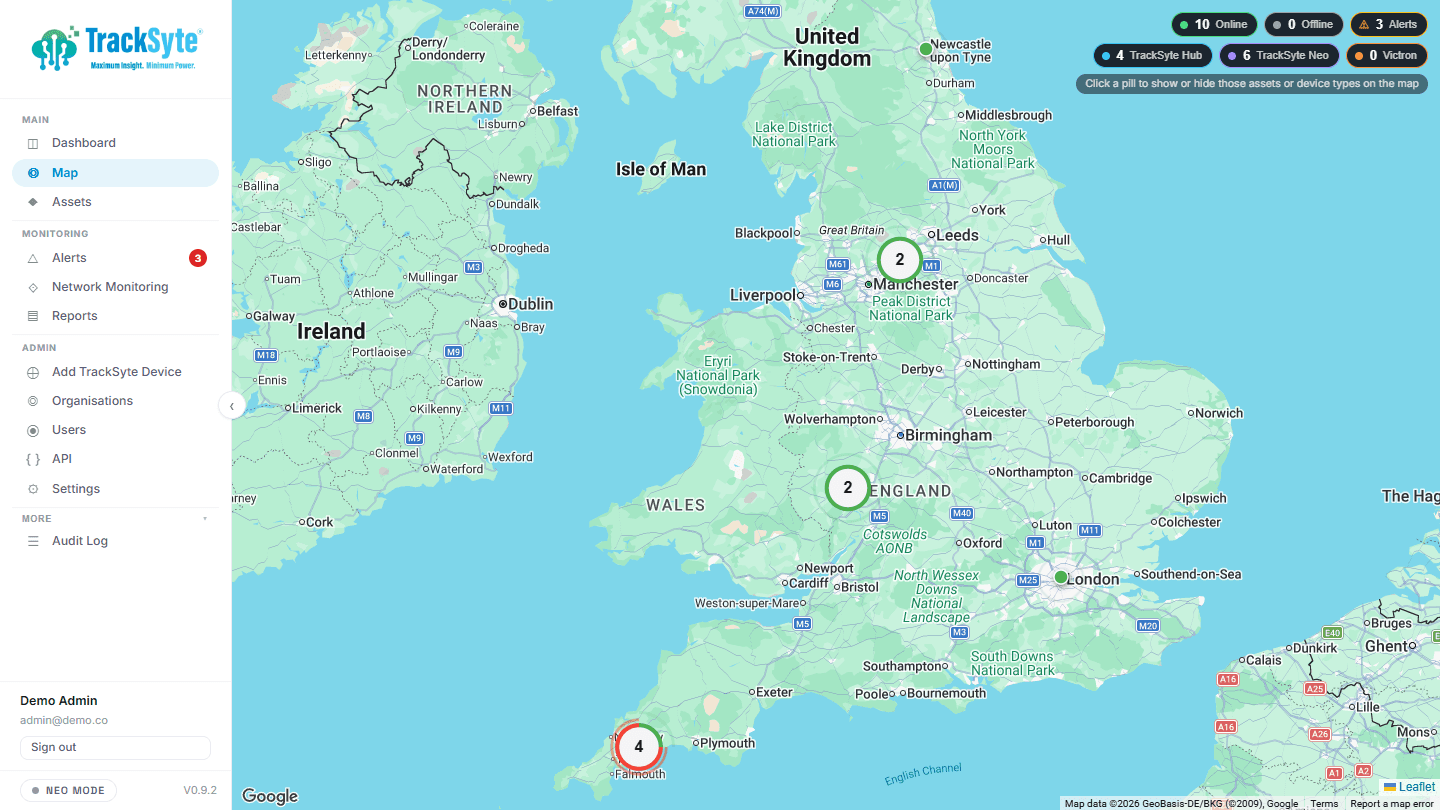
Integrate construction telemetry with your systems
TrackSyte® can feed your wider data workflows. MQTT streaming and API access let construction telemetry flow into the operational systems you already use.
MQTT streaming
Stream construction telemetry into your operational systems in real time.
API & MQTT integrations →Hardware & integrations
Connect field hardware and supported partner systems into the same portal.
Hardware & integrations →TrackSyte hardware for construction equipment
TrackSyte offers different field hardware for different deployments:
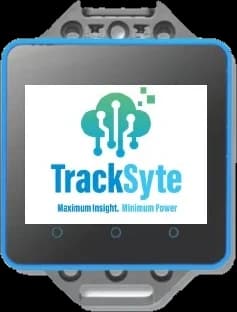
TrackSyte® Hub
An Ethernet-connected site gateway for compounds and cabinets.
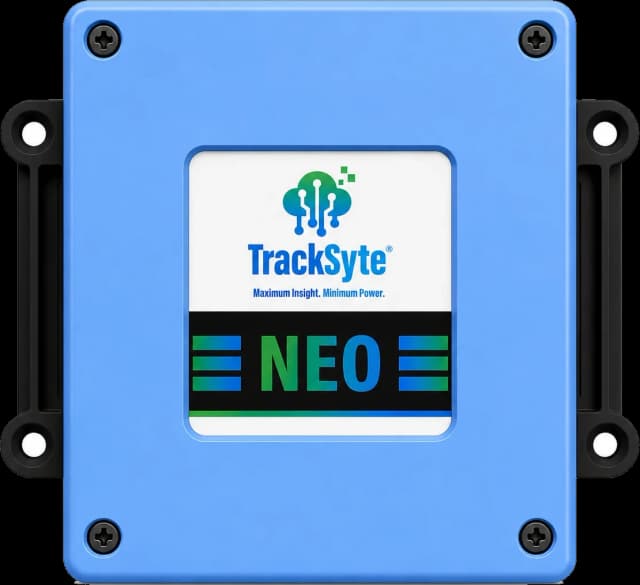
TrackSyte® Neo
Ultra-low-power LTE Cat 1 bis connectivity for remote and mobile assets.
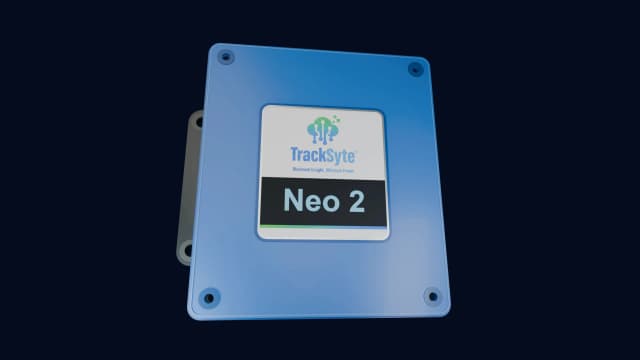
TrackSyte® NEO 2
Fitted with Ethernet, RS485, CAN bus and a 9–30 V DC supply; Modbus and GPIO; Bluetooth; full-constellation GPS/GNSS as standard. Works with Victron, smart/lithium BMS batteries and Smart Shunt.
Our multi-protocol gateway for plant and mixed sites.
The right device depends on the asset and the site — not every interface is available on every device. Hardware & integrations compares the full range.
TrackSyte Neo 2 →Hardware & integrations →CAN bus capability →
Construction telematics FAQs
What is construction equipment telematics?
Construction equipment telematics is the remote collection of location, status and machine data from plant and related assets, so operators know where equipment is and how it is performing without relying on site visits. TrackSyte delivers this through the Neo 2 gateway and the TrackSyte Portal.
What is the difference between telematics and GPS tracking?
GPS tracking only shows where equipment is. Telematics adds data from the machine itself — running hours, faults, battery, fuel and alerts. Neo 2 does both: full-constellation GNSS for location plus CAN bus, RS485 and GPIO for machine data.
Does TrackSyte replace manufacturer telematics such as LiveLink or Trackunit?
No. TrackSyte works alongside manufacturer portals and fills the gaps for mixed fleets — bringing supported equipment from different brands, plus towers, power and pumps, into one view.
Does Neo 2 support CAN bus?
Yes. Neo 2 supports CAN bus connectivity, including the J1939 standard used on most diesel engines and heavy equipment, for plant that exposes it. See the CAN bus capability page and the Neo 2 hardware page for detail.
Can I monitor towers, pumps and generators too?
Yes. The same Portal covers security towers, PID, generators, pumps and welfare units. See construction fleet monitoring for the whole-site view.
Can TrackSyte monitor equipment from different manufacturers?
Yes. TrackSyte® is built for mixed fleets, and supported assets can be brought into one portal view. We do not claim integration with every manufacturer's own system.
Does Neo 2 include GPS / GNSS?
Yes. Neo 2 has a full-constellation GPS/GNSS receiver fitted as standard, so location sits alongside status, alerts and machine data for connected plant.
What connectivity does Neo 2 provide for plant?
Neo 2 is fitted with Ethernet, RS485, CAN bus and a 9–30 V DC supply, plus Modbus, GPIO, cellular LTE, LTE-M and NB-IoT, Bluetooth and full-constellation GPS/GNSS. It also works with Victron, smart/lithium BMS batteries and Smart Shunt.
Does Neo 2 work with Victron and battery monitoring on site?
Yes. Neo 2 works with Victron equipment, smart and lithium batteries with a BMS, and Smart Shunt where that kit is on site.
Can TrackSyte integrate with existing systems?
Yes. TrackSyte® supports MQTT streaming and API access, so telemetry can be used in your existing operational systems. See the API & data access page for details.
Do I need telematics if my machines already have a manufacturer system?
If your whole fleet is one brand, the manufacturer's portal may be enough. Most UK fleets mix brands, older machines and site assets such as towers and generators; TrackSyte brings those into one view while manufacturer portals keep running alongside it.
Can I track older plant that has no telematics?
Yes. Fitting Neo 2 gives older or non-telematics machines GNSS location and status, plus CAN bus machine data where the machine exposes it.
Is Neo 2 a digger tracker or plant tracker?
It does both jobs and more. Neo 2 gives diggers, dumpers and other plant GNSS location and history, keeps reporting on its lithium backup battery if the machine's battery is disconnected, and adds running hours and CAN bus machine data. See GPS asset tracking.
What is ISO 15143-3 (AEMP)?
ISO 15143-3 is a standard, often called the AEMP telematics standard, that defines how manufacturers share basic machine data such as location, engine hours and fuel used through an online feed. It mainly covers newer machines from larger manufacturers, so mixed fleets usually combine it with an independent telematics device.
Can construction telematics help with fuel and emissions reporting?
Yes, as the data source. Engine hours, engine speed and fuel level read over J1939, tied to a site by location, are the starting point for fuel and carbon figures per project. TrackSyte holds that data alongside site power equipment and exports it over the API or MQTT.
What does construction equipment telematics cost?
Costs are made up of the device per machine, fitting, and a monthly charge for connectivity and the portal. The number of machines, how they are connected and what data you need all affect the price. Book a demo and we will price it for your fleet.
How do I book a demo?
Use the book a demo page. You can also estimate your potential savings first with the site visit calculator.
Ready to monitor mixed construction fleets in one portal?
See how TrackSyte® supports construction equipment telematics across Hub, Neo and NEO 2.